Some links on this page are affiliate links. If you sign up through them we may earn a commission, at no extra cost to you. We tested every tool ourselves and our opinion is not for sale.

Simplified Review 2026: One AI Workspace for Writing, Design, and Video?

The pitch: Simplified bundles AI writing, design, video, and scheduling into one workspace — the "do everything" play. Try Simplified →

Most AI tools want to be your one thing. Simplified wants to be your everything: write the copy, design the graphic, cut the video, and schedule the post, all in one tab. That promise is either a productivity unlock or a jack-of-all-trades mess. We lived in it for a week to find out which.

What Simplified Does

  • AI writing: blog posts, ads, and social captions from prompts.
  • Design: a template-driven editor for posts, thumbnails, and brand assets.
  • Video: short-form editing and AI subtitles.
  • Scheduling: plan and auto-post across social channels.
  • Brand kits: keep fonts, colors, and voice consistent across tools.

How We Tested It

  1. Wrote a blog intro and three social captions.
  2. Designed a carousel and a thumbnail in the editor.
  3. Cut a short video with auto subtitles.
  4. Scheduled a post and checked the workflow end to end.

What Impressed Us

1. Genuinely multi-tool

This is not a writing app with a token design feature. The design editor and video tools are real enough to ship a campaign without leaving the product. For a solo marketer, that "stay in one place" feeling is the point.

2. The design tool is real

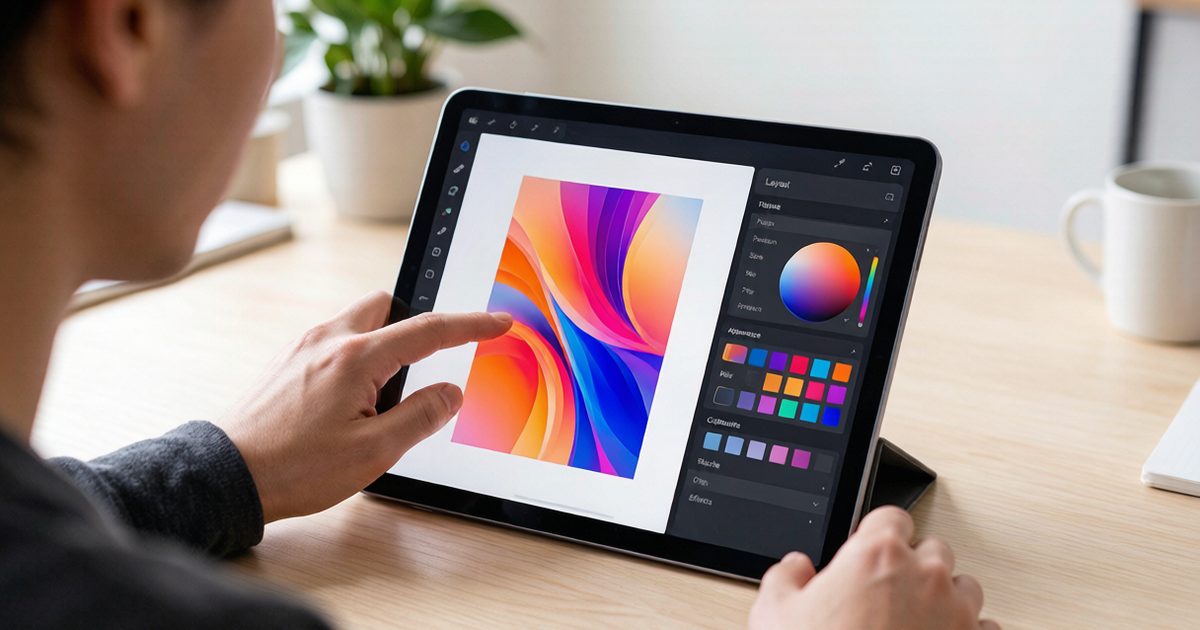
Templates are modern and the editor is responsive. We produced a clean carousel and thumbnail faster than opening a separate design app, and the brand kit kept everything on-style without re-setting colors each time.

3. One bill instead of four

Paying for a writer, a designer, a video tool, and a scheduler separately adds up. Simplified collapses that into one subscription, which is the cleanest part of the value story for small teams.

Where It Falls Short

No single tool is best-in-class

The writing is good but not the sharpest, the design is solid but not Figma, the video is fine but not CapCut. If you need elite output in one area, a specialist still wins. Simplified trades peaks for breadth.

The bundle can overwhelm

So many modules in one sidebar means new users hit a wall of options. Without a clear starting point, it is easy to feel lost. A guided onboarding would fix a lot of the first-session friction.

Some features feel thin

A few modules are shallow compared with their standalone rivals. They are fine for light use, but if a feature becomes core to your work, you may outgrow it and bolt on a specialist anyway.

Pricing (as of July 2026)

Simplified uses a free plan plus paid tiers that scale with features and seats. The free plan is a real taste; paid plans unlock the depth a team needs. Check the live page — the comparison to buy is "one Simplified bill" versus "four specialist subscriptions," so total your current stack before deciding.

Best for: Solo marketers and small teams who want one workspace instead of a stack of subscriptions. Open Simplified →

Simplified vs Best-of-Breed

Against specialists, Simplified loses on raw depth but wins on convenience and total cost. If your output is "good enough" level across writing, design, and video, the bundle saves money and mental load. If one discipline is mission-critical and must be elite, keep that one specialist and use Simplified for the rest.

Who Should Use Simplified

  • Solo creators doing their own marketing.
  • Small teams without a design or video hire.
  • Agencies managing many client channels.
  • Founders who want one login, not ten.

Bottom Line

Simplified delivers on the "one workspace" promise more than most all-in-one tools, with a design and video suite that is actually usable. It is not the best at any single thing, and the bundle can feel busy, but for a small team that needs solid output across several media without a stack of subscriptions, it is one of the few bundles that earns its keep. Know your must-be-elite discipline and let Simplified cover the rest.

How we test

We wrote a blog intro and three social captions, designed a carousel and a thumbnail, cut a short video with auto subtitles, then scheduled a post and walked the workflow end to end. We scored output quality per module, workflow cohesion, and value versus a specialist stack. Reviews update with feature or pricing changes.